How to Secure Your Home Wi‑Fi Network in 2026
Protect your home or small-business WiFi in 2026 with WPA3 encryption, strong passwords, guest networks, firmware updates, and secure router settings.
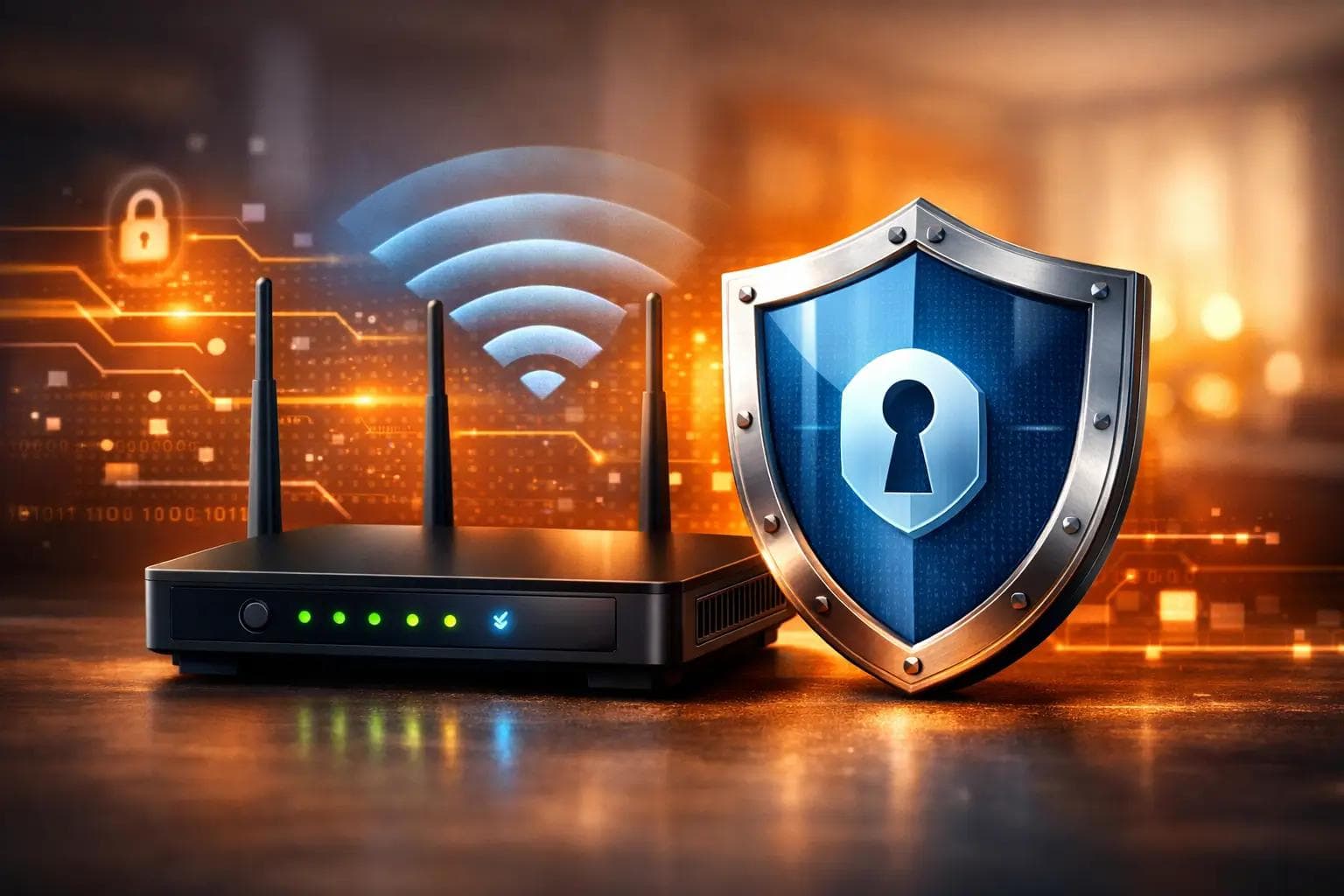
How to Secure Your Home Wi-Fi Network in 2026
Your Wi-Fi network is the gateway to everything in your home or business — laptops, phones, smart TVs, security cameras, banking, remote work, and more.
If your router isn’t properly secured, you’re leaving the door open.
In 2026, securing your home WiFi network isn’t optional — it’s essential.
Cybercriminals often target small businesses and home users because they assume defenses are weaker. Fortunately, a few smart configuration steps dramatically reduce risk.
1️⃣ Enable WPA3 Encryption
Encryption protects the data traveling across your network.
Log into your router and enable:
• WPA3 Personal (best option)
• Or WPA2/WPA3 mixed mode if needed for older devices
Avoid outdated options like WEP.
Use a long passphrase — ideally 16–20+ characters — that includes a mix of letters and numbers.
Strong encryption is the foundation of home WiFi security.
2️⃣ Change Default Router Credentials
Most routers ship with default login usernames and passwords.
These are widely known — and easy for attackers to guess.
Change:
• Your WiFi network password
• Your router admin login password
• Your default network name (SSID)
Use a unique passphrase for the admin login — never reuse your WiFi password.
3️⃣ Keep Router Firmware Updated
Your router is a small computer — and it needs updates.
Firmware updates patch vulnerabilities and fix security weaknesses.
Enable automatic updates if available, or schedule periodic checks.
If your router doesn’t support WPA3 or modern updates, it may be time to upgrade.
4️⃣ Disable Risky Features
Some convenience features can weaken security:
• Remote management
• WPS (WiFi Protected Setup)
• UPnP
Disable these unless absolutely necessary.
These features make setup easier — but can create vulnerabilities if left enabled.
5️⃣ Create a Guest Network
Never give visitors your primary WiFi password.
Instead:
• Create a separate guest network
• Use a different password
• Isolate guests from your main devices
This protects your personal files, business systems, and smart devices.
For stronger protection, some routers allow you to create:
• Primary network
• Guest network
• IoT (smart device) network
Network segmentation reduces risk significantly.
6️⃣ Enable Router Firewall & NAT
Most modern routers include built-in firewall protection.
Make sure:
• Firewall is enabled
• NAT (Network Address Translation) is active
• IPv6 firewall is enabled (if applicable)
These add important layers of defense against outside access.
7️⃣ Secure Smart Home Devices
Smart thermostats, cameras, TVs, and IoT devices are common entry points for attackers.
Best practices:
• Connect smart devices to a separate IoT network
• Change default device passwords
• Keep firmware updated
• Disable unused features
If you use security cameras or smart home systems, proper WiFi configuration is critical for reliability and protection.
8️⃣ Educate Everyone in the Household or Business
Even the strongest WiFi setup can fail if passwords are shared carelessly.
Teach:
• Never share WiFi passwords publicly
• Avoid clicking suspicious links
• Report strange device behavior
• Use strong passwords for online accounts
For small businesses, WiFi security is part of overall cybersecurity.
9️⃣ Let CallTechCare Handle It Professionally
Securing your router properly takes more than just changing a password.
CallTechCare provides professional WiFi and internet security services
We help with:
• Router installation and upgrades
• WPA3 configuration
• Guest network setup
• Network segmentation (primary / guest / IoT)
• Disabling risky features
• Firmware updates
• Signal optimization
• Secure small-business WiFi setup
We proudly serve homes and small businesses across Miami and South Florida.
When configured correctly, your WiFi becomes faster, more stable, and significantly more secure.
Final Thoughts
Your WiFi network connects everything — from work to entertainment to security systems.
A weak configuration puts all of it at risk.
With proper encryption, segmentation, strong passwords, and firmware updates, your home network becomes much harder to compromise.
If you’re unsure whether your network is secure, CallTechCare can evaluate and optimize it for you.
📣 Call to Action
Not sure if your WiFi network is secure?
CallTechCare can review your router settings and strengthen your home or small-business network today.
👉 Schedule a WiFi Security Checkup.
❓ Frequently Asked Questions
Is WPA3 better than WPA2?
Yes. WPA3 provides stronger encryption and better protection against password-guessing attacks.
How often should I update my router?
Firmware should be checked every few months. Routers typically need replacement every 4–6 years.
Do small businesses need guest networks?
Absolutely. Guest networks protect internal systems from visitor devices.
🔗 INTERNAL LINKS TO ADD (IMPORTANT)
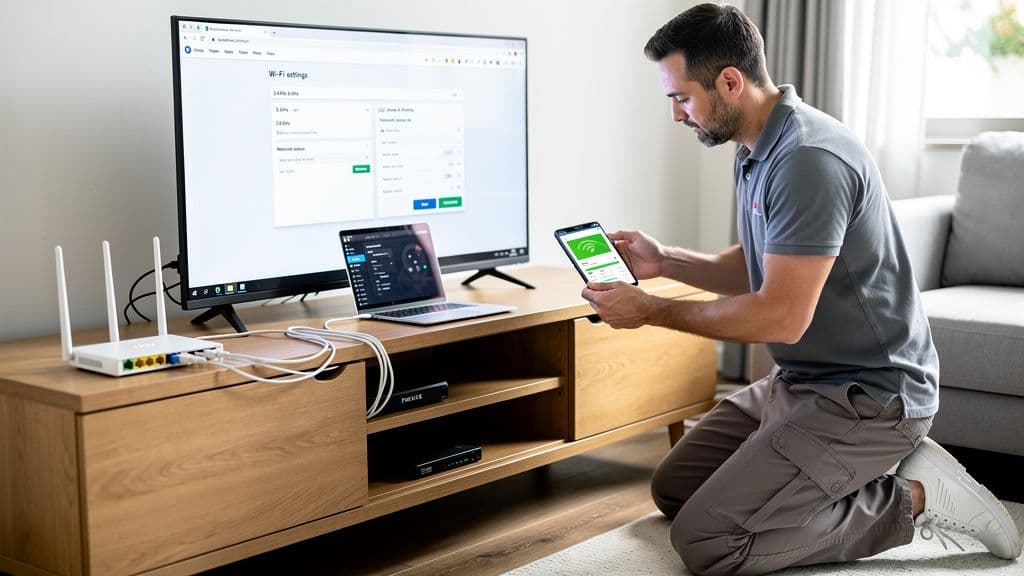
Why Your Wi-Fi Keeps Dropping and How to Fix It
Wi-Fi dropping frequently can interrupt work, streaming, and smart home…

Why Your Wi-Fi Is Slow (Even If You Pay for Fast Internet)
Paying for fast internet but still experiencing slow Wi-Fi? Learn the real…
Securing Your Home and Business With a VPN in 2026
Learn why using a VPN in 2026 is essential for protecting home and small…

Why Reliable IT Support at Home Matters More Than Ever
Reliable IT support keeps your home technology running smoothly. Learn why…
Cybersecurity Survival Guide for Small Businesses in 2025
Learn how small businesses can protect systems, data, and customers in 2025…
Strong Credentials for Seniors and Small Businesses
Learn how seniors and small businesses can create strong passwords, manage…
Recognizing Phishing Scams: A Guide for Seniors & Caregivers
Learn how seniors and caregivers can recognize phishing scams, avoid online…
Should You Upgrade to Wi-Fi 6E or Stay on Wi-Fi 6?
Wi-Fi 6E promises faster speeds and less interference, but is it worth…