Strong Credentials for Seniors and Small Businesses
Learn how seniors and small businesses can create strong credentials, use password managers, and protect accounts from security breaches.
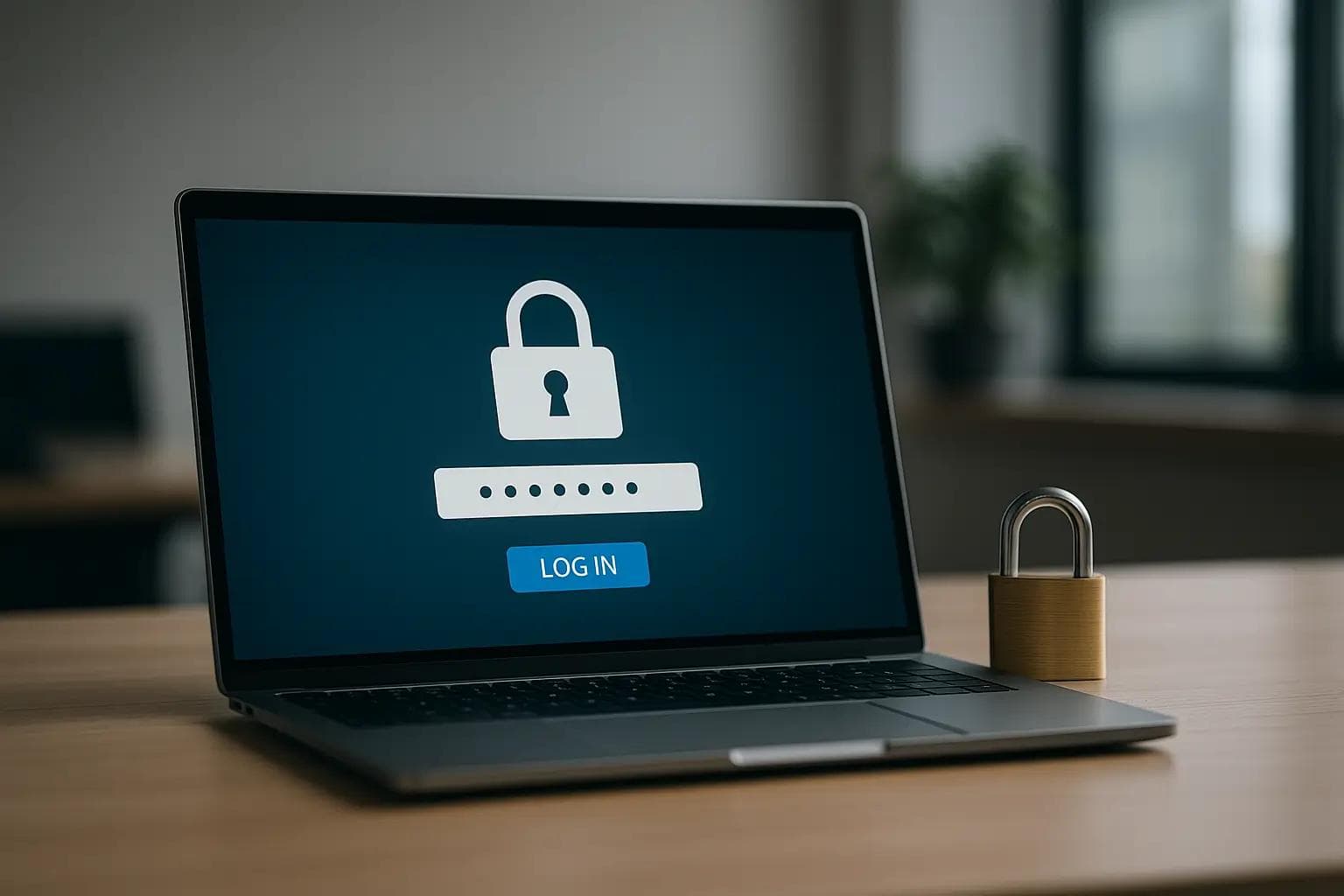
Strong Credentials for Seniors and Small Businesses
Passwords are the keys to our digital lives. Email, banking, social media, and business systems all rely on them, yet weak or reused passwords remain one of the most common causes of security breaches—especially without secure Wi-Fi and internet protection. For seniors and small businesses alike, strong credentials are no longer optional; they are essential.
For seniors, a compromised account can lead to identity theft, financial loss, or privacy violations. For small businesses, weak credentials can expose customer data, disrupt operations, and damage trust. The risks may be different, but the solution starts in the same place: better password habits.
Strong credentials focus on length, uniqueness, and unpredictability. Short or simple passwords are easy targets for automated attacks that test thousands of combinations in seconds. Longer passwords or passphrases dramatically increase protection while still being manageable for everyday use.
Using the same password across multiple accounts is another common mistake. When one account is compromised, attackers often try the same credentials elsewhere. Unique passwords for each account prevent a single breach from spreading further—especially when paired with proper account and internet security practices.
Remembering many passwords can feel overwhelming, which is why password managers are such an important tool. A password manager securely stores credentials, generates strong passwords automatically, and fills them in when needed. For small businesses, this also helps control access and reduces the need to share passwords between employees.
Adding an extra layer of protection makes an even bigger difference. Multi-factor authentication requires a second verification step, such as a code or notification, before access is granted. Even if a password is stolen, this extra step can stop an attacker from getting in.
Education and awareness are just as important as tools. Scammers often try to trick people into revealing passwords through emails, texts, or phone calls. Legitimate companies will never ask for login information in this way, and recognizing that fact can prevent many security incidents.
Strong credentials aren’t about complexity—they’re about consistency. With the right setup and habits, protecting accounts becomes part of everyday life instead of a constant worry.
How CallTechCare Helps Secure Your Accounts
This is where CallTechCare’s Wi-Fi and internet security services provide trusted support for both seniors and small businesses. We make account security easier to understand and easier to manage.
Our services include:
- Setting up and explaining password managers
- Creating strong, easy-to-use passphrases
- Enabling multi-factor authentication on key accounts
- Securing email, banking, and business systems
- Educating users on avoiding scams and phishing attempts
Instead of guessing or feeling overwhelmed, you get clear guidance tailored to your needs. Our goal is to make security practical, manageable, and effective.
With strong credentials and the right support in place, seniors and small businesses can use technology confidently, knowing their digital doors are properly locked.
We proudly support families and businesses across Miami and South Florida.
📣 Call to Action
Worried about weak passwords or account security?
CallTechCare can help secure your accounts and set up safer login practices.
👉 Schedule an Account Security Check today.
Frequently Asked Questions
Why are strong passwords so important?
Strong passwords reduce the risk of unauthorized access and protect personal and business data from common attacks.
Should seniors use password managers?
Yes. Password managers make it easier to use strong, unique passwords without having to remember them all.
Can CallTechCare help small businesses with account security?
Absolutely. We help secure business email, systems, and shared accounts with best-practice security setups.
Why Your Wi-Fi Keeps Dropping and How to Fix It
Wi-Fi dropping frequently can interrupt work, streaming, and smart home…

Why Your Wi-Fi Is Slow (Even If You Pay for Fast Internet)
Paying for fast internet but still experiencing slow Wi-Fi? Learn the real…
Securing Your Home and Business With a VPN in 2026
Learn why using a VPN in 2026 is essential for protecting home and small…
How to Secure Your Home Wi‑Fi Network in 2026
Learn how to secure your home or small-business WiFi network in 2026 with…
Why Reliable IT Support at Home Matters More Than Ever
Reliable IT support keeps your home technology running smoothly. Learn why…
Cybersecurity Survival Guide for Small Businesses in 2025
Learn how small businesses can protect systems, data, and customers in 2025…
Recognizing Phishing Scams: A Guide for Seniors & Caregivers
Learn how seniors and caregivers can recognize phishing scams, avoid online…
Should You Upgrade to Wi-Fi 6E or Stay on Wi-Fi 6?
Wi-Fi 6E promises faster speeds and less interference, but is it worth…