Why Your Printer Keeps Failing When You Need It Most
Discover why printers go offline, disconnect from WiFi, or stop printing—and how professional setup in Miami prevents repeat printer problems.
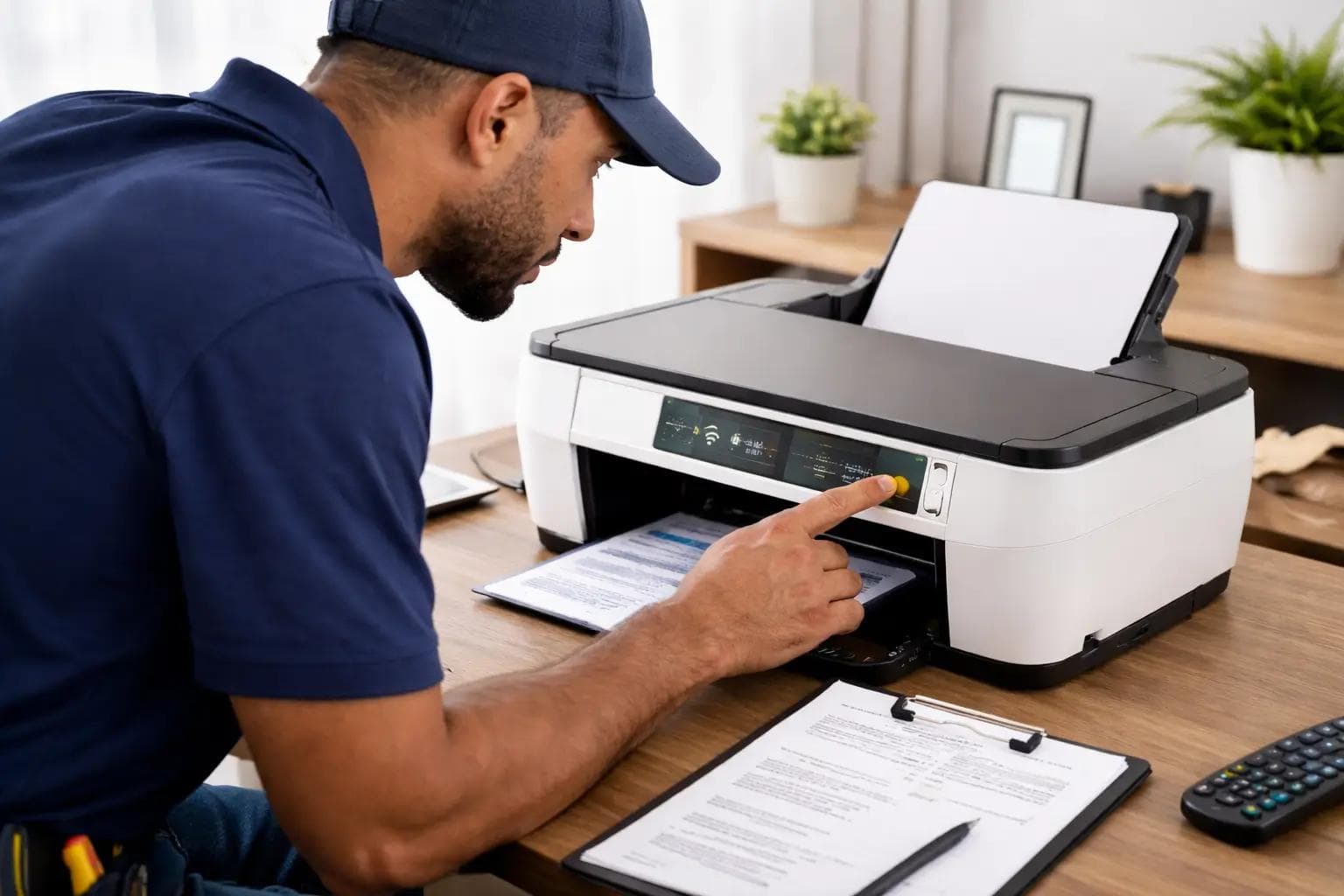
Printers Have a Reputation for Being Unreliable — and There’s a Reason
Few devices cause more frustration than printers. They work perfectly for weeks, then suddenly refuse to print right when you need an important document. Error messages appear, connections disappear, and nothing seems to fix the issue.
In most cases, the problem isn’t the printer hardware — it’s how it’s configured within your network and devices.
The Most Common Printer Problems We See
At CallTechCare, these are the issues clients call us about most often:
• Printer shows “offline” even though it’s powered on
• Wireless printers disconnect from WiFi
• Print jobs get stuck in the queue
• Ink errors even when cartridges are full
• New computers can’t detect the printer
• Multiple devices can’t print simultaneously
These problems can stop productivity instantly, especially in home offices and small businesses.
Why Printers Lose Their Connection
Most modern printers rely on WiFi, which makes network stability critical.
If the printer is:
• Too far from the router
• Connected to the wrong network
• Affected by signal interference
• Disconnected after a password change
…it may appear online but fail to respond.
Router updates, modem replacements, or adding new devices to your home network can silently disrupt printer communication.
If your WiFi is unstable, you may also need to review your home office technology setup to prevent recurring connection problems.
Why “Quick Fixes” Rarely Last
Restarting the printer or reinstalling drivers might work temporarily. However, if the root cause isn’t addressed, the issue will likely return.
Common hidden causes include:
• IP address conflicts
• Incorrect driver versions
• Firewall blocking communication
• Network congestion
• Misconfigured wireless bands (2.4GHz vs 5GHz)
A proper configuration ensures long-term reliability instead of repeated frustration.
How Professional Printer Setup Makes a Difference
Professional computer and printer support focuses on solving the real problem — not just the symptom.
Proper setup includes:
• Correct wireless configuration
• Stable IP address assignment
• Driver installation on all devices
• Network testing for reliability
• Print queue cleanup
• Secure multi-device access
Once configured correctly, printers become reliable tools rather than unpredictable interruptions.
How CallTechCare Helps
CallTechCare provides professional printer installation and troubleshooting for homes and small businesses across Miami and South Florida.
We help with:
• Wireless and wired printer installation
• Connecting printers to multiple computers and devices
• Fixing offline and connection errors
• Optimizing home office setups
• Preventing repeat WiFi disconnection issues
• Explaining how to avoid future printer failures
Instead of guessing, you get a stable setup that works consistently.
Local Printer Support You Can Trust
We proudly support homeowners, remote workers, and small businesses across Miami and South Florida.
Reliable technology means fewer interruptions and less stress when deadlines matter most.
Final Thoughts
Printers don’t have to be a constant source of frustration.
With proper setup and stable network configuration, they become dependable tools instead of unpredictable problems.
If your printer keeps failing or disconnecting, CallTechCare is ready to help.
📣 Call to Action
Tired of your printer failing when you need it most?
CallTechCare provides professional printer setup and troubleshooting across Miami and South Florida.
👉 Schedule your printer support service today.
❓ Frequently Asked Questions
Why does my printer say “offline” when it’s on?
This usually indicates a network communication issue, not a hardware failure.
Can WiFi cause printer problems?
Yes. Weak signals, router changes, or incorrect network settings often cause printing failures.
Do you support printers in home offices and small businesses?
Yes. We provide full computer and printer support tailored to home and business environments.
Essential Computer Maintenance: Clean and Optimize Your PC in 2026
Learn why computer maintenance matters, follow step-by-step tips to clean and…

Remote Tech Support: Save Time and Stress in 2026
Remote tech support provides fast, secure help over the internet—saving time,…
Computer & Printer Support: Reliable Technology for Home and Work
Computer and printer problems can disrupt work and home life. Learn how…