Remote Tech Support: Save Time and Stress in 2026
Remote tech support fixes computer, Wi-Fi, and printer issues quickly and securely—saving time, lowering costs, and reducing downtime in 2026.

Remote Tech Support: Save Time and Stress in 2026
When your computer freezes, your printer stops responding, or your Wi-Fi suddenly drops, you don’t always have time to pack up equipment or wait days for an on-site visit.
Remote tech support solves this problem by allowing a trusted technician to securely access your device over the internet and fix issues in real time.
For seniors who prefer help from home — and small businesses that can’t afford downtime — remote support is one of the fastest, most efficient solutions available in 2026.
What Is Remote Tech Support?
Remote support uses secure software that allows a technician to:
• View your screen
• Diagnose problems
• Install updates
• Adjust settings
• Remove malware
• Configure printers and networks
All with your permission.
Each session is encrypted and protected with a one-time access code. You stay in control at all times — you decide when the session begins and when it ends.
Why Remote Support Is Growing in 2026
Technology problems don’t wait for convenient timing. Remote support is popular because it offers:
⚡ Immediate Help
No travel. No waiting days for appointments. Most software-related issues can be resolved within minutes.
💰 Lower Costs
No travel fees. No equipment drop-offs. Small businesses often save 30–50% compared to hiring in-house IT staff.
🌙 Flexible Availability
Many issues can be resolved the same day — even outside standard business hours.
👨💻 Access to Specialists
You gain access to experienced technicians without enterprise-level pricing.
Ideal for Small Businesses
Remote tech support isn’t just convenient — it’s strategic.
Small businesses benefit from:
• Reduced downtime
• Faster problem resolution
• Remote employee support
• Security updates and patch management
• Ongoing system monitoring
Remote technicians can even perform updates after hours to avoid interrupting your team.
In many cases, combining remote support with professional computer and printer support creates a strong foundation for business reliability.
A Game-Changer for Seniors
Remote support makes technology more accessible for older adults:
• No need to transport heavy equipment
• No strangers entering the home
• Step-by-step guidance at a comfortable pace
• Real-time screen walkthroughs
• Greater independence and confidence
It also gives family members peace of mind knowing professional help is available when needed.
How a Remote Session Works
1️⃣ You contact CallTechCare and describe the issue.
2️⃣ You download a small secure support app.
3️⃣ A one-time code connects you to a technician.
4️⃣ The issue is diagnosed and resolved while you watch.
5️⃣ The session ends and the temporary connection closes.
You can disconnect at any time.
When Remote Support Is Not Enough
While remote support solves most software and configuration issues, some problems still require on-site service:
• Broken hardware
• Damaged screens
• Failing hard drives
• Internet completely offline
In those cases, in-home or on-site service may be necessary.
Preparing for a Secure Remote Session
Before your appointment:
✔ Ensure your internet connection is stable
✔ Close sensitive personal documents
✔ Gather necessary login credentials
✔ Backup important data if possible
✔ Only accept sessions you schedule yourself
Never grant remote access to unsolicited callers. Legitimate companies will never demand payment via gift cards or cryptocurrency.
How CallTechCare Makes Remote Support Safe & Simple
CallTechCare provides secure remote tech support for:
• Slow or malfunctioning computers
• Printer configuration issues
• Software errors
• Virus and malware removal
• Email problems
• Wi-Fi troubleshooting
• Smart device configuration
We use encrypted tools, never access devices without permission, and explain every step clearly.
For homes and small businesses across South Florida, we combine remote support with:
• Computer and printer support
• Wi-Fi & internet optimization
• Smart home device setup
• On-site visits when needed
Our goal is simple: solve your issue quickly and safely — without unnecessary stress.
Final Thoughts
Technology problems shouldn’t interrupt your day — or your business.
Remote tech support gives you fast, secure access to expert help without leaving your home or office.
In 2026, convenience matters. Efficiency matters. Security matters.
If you need reliable remote assistance, CallTechCare is ready to help.
📣 Call to Action
Need fast, secure tech support from home?
Schedule remote support with CallTechCare today and get your devices working again — without the wait.
❓ Frequently Asked Questions
Is remote tech support safe?
Yes. Sessions are encrypted, require your permission, and can be ended at any time.
Can remote support fix printer problems?
Yes. Most configuration, driver, and connectivity issues can be resolved remotely.
Does remote support work for small businesses?
Absolutely. It minimizes downtime and keeps teams productive.
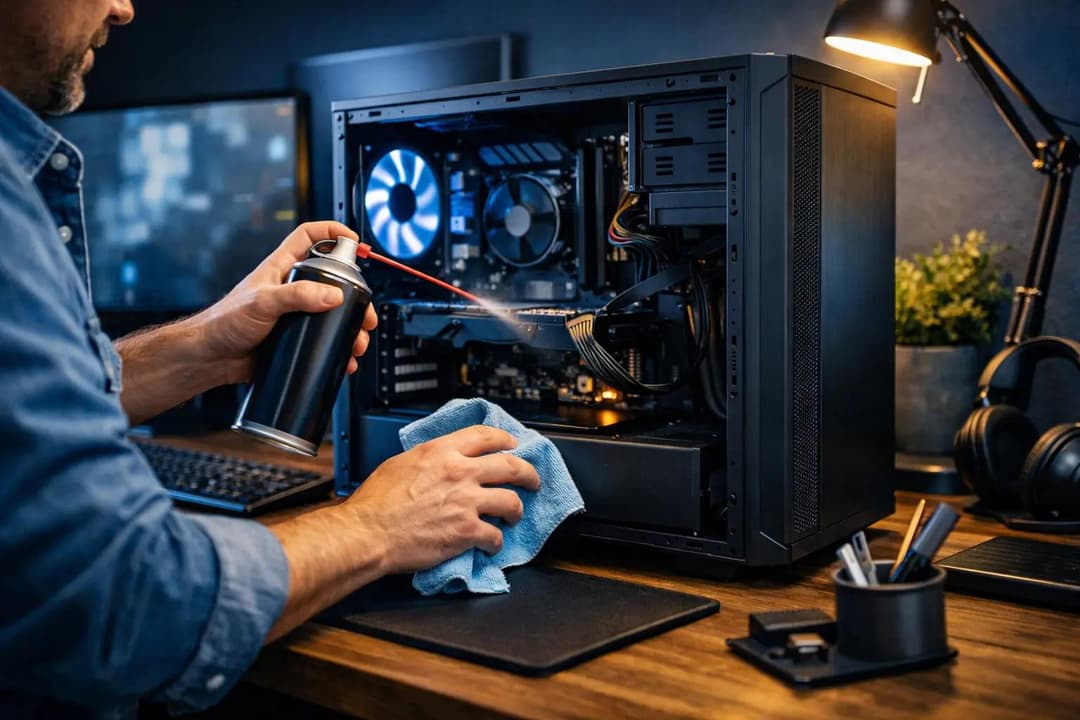
Essential Computer Maintenance: Clean and Optimize Your PC in 2026
Learn why computer maintenance matters, follow step-by-step tips to clean and…
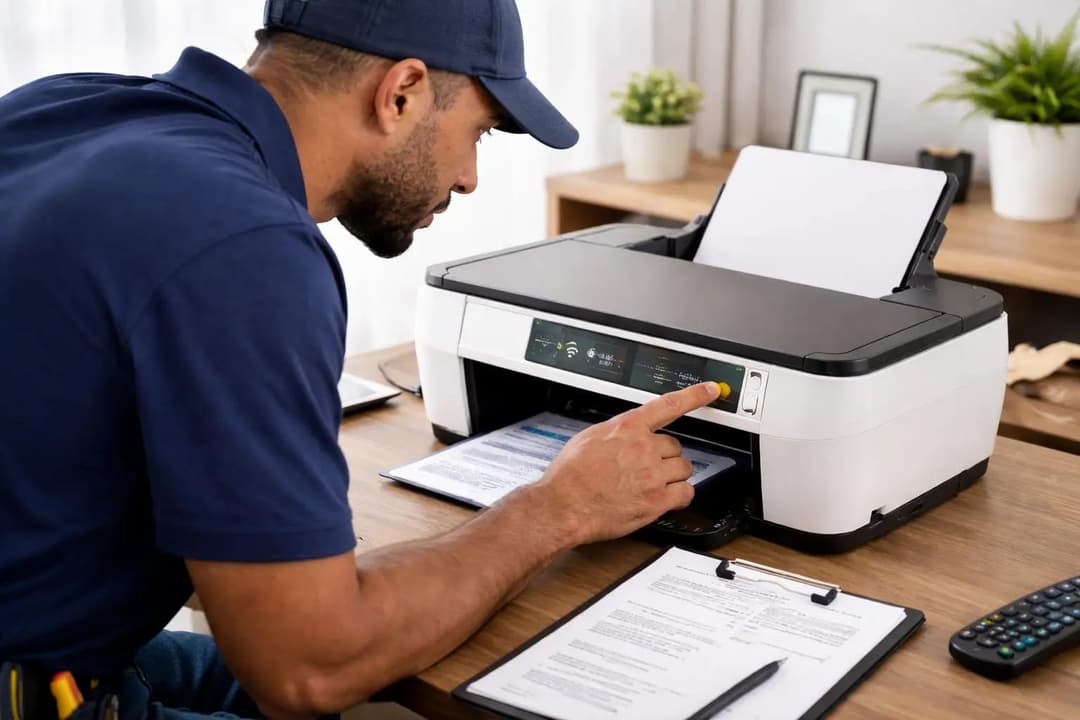
Why Your Printer Keeps Failing When You Need It Most
Printers often fail at the worst time. Learn why printer issues happen and how…

Computer & Printer Support: Reliable Technology for Home and Work
Computer and printer problems can disrupt work and home life. Learn how…