Making Smartphones Senior Friendly: An Essential Guide for 2026
Learn how to make smartphones easier and safer for seniors in 2026. From larger text to emergency features—plus expert help from CallTechCare.
Making Smartphones Senior Friendly: An Essential Guide for 2026
Smartphones are powerful tools for staying connected, managing health, and maintaining independence. But for many seniors, small icons, confusing menus, and constant notifications make them frustrating to use.
With the right adjustments, a smartphone can become simple, safe, and empowering.
According to recent research, over 75% of adults age 65+ now own a smartphone. The key isn’t whether seniors use smartphones — it’s whether those phones are properly configured for comfort and confidence.
1️⃣ Choose the Right Device
Before adjusting settings, make sure the phone fits the user.
iPhone (iOS): Clean interface, strong accessibility tools.
Android: More budget options and customizable layouts.
If a senior already uses Apple devices, staying within that ecosystem can make learning easier. If affordability is important, many Android phones work beautifully when properly configured.
2️⃣ Increase Text Size & Improve Visibility
Small text is one of the biggest frustrations.
Enable:
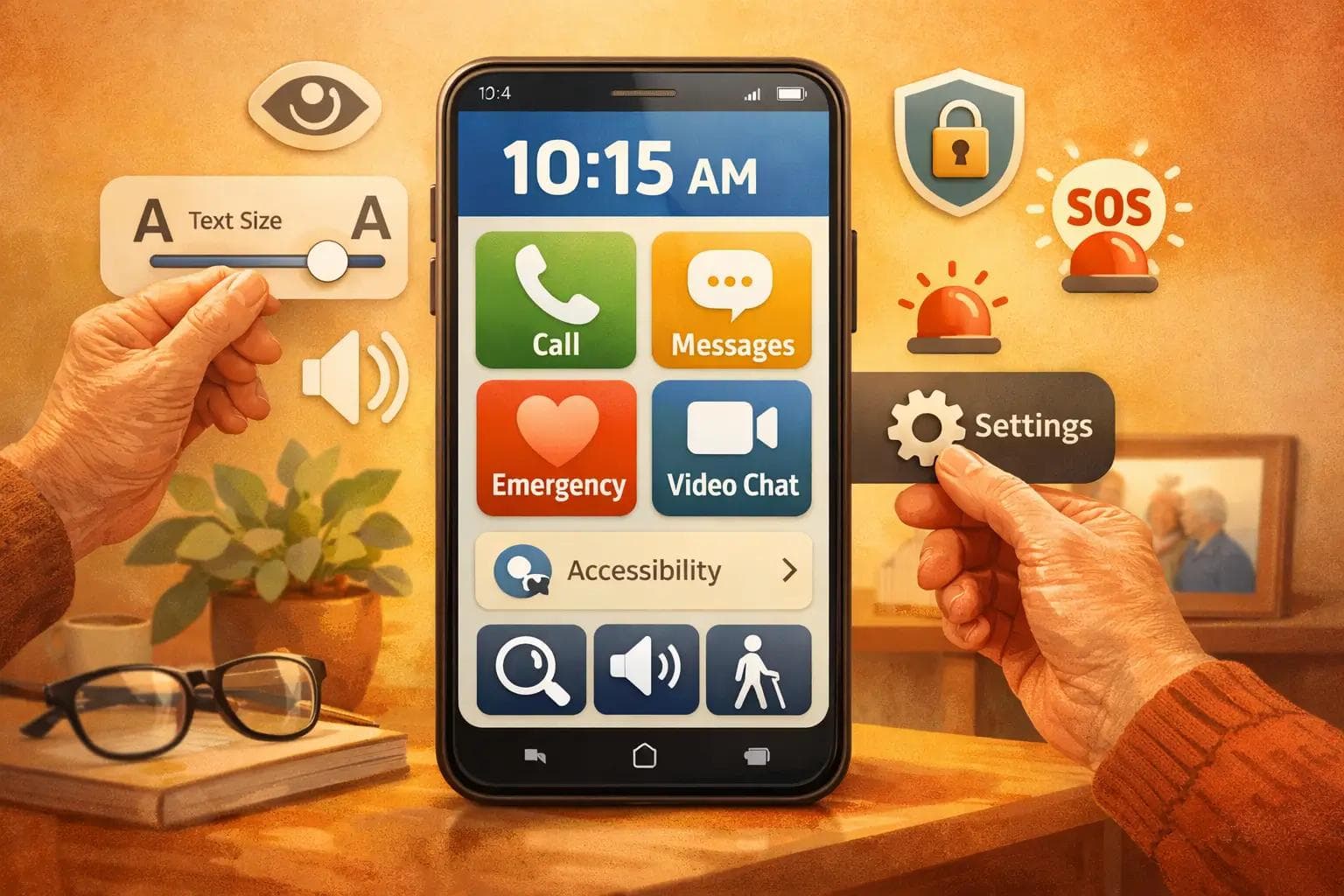
- Larger text (Settings → Display)
- Bold text
- High contrast mode
- Increased brightness or auto-brightness
- Larger app icons (Android launchers)
These small changes dramatically reduce eye strain.
3️⃣ Simplify the Home Screen
Too many apps cause confusion.
Instead:
- Remove unused apps
- Keep only essentials (Phone, Messages, Camera, Contacts)
- Use large icons
- Keep layout consistent
On Android devices, senior-friendly launchers can simplify navigation even further.
If you're unsure how to customize layouts safely, our senior tech help services can configure everything properly for you.
4️⃣ Adjust Notifications to Reduce Stress
Constant notifications can feel overwhelming.
We recommend:
- Allow only calls and important messages
- Disable social media alerts if unnecessary
- Use loud, clear ringtones
- Enable scheduled Do Not Disturb at night
A calm phone is a usable phone.
5️⃣ Activate Accessibility Features
Modern smartphones include powerful accessibility tools:
- VoiceOver (iPhone)
- TalkBack (Android)
- Magnification gestures
- Speech-to-text dictation
- Closed captions
- AssistiveTouch (floating home button)
These features transform usability — especially for seniors with vision or mobility challenges.
6️⃣ Set Up Emergency Features
This is one of the most important steps.
Configure:
- Emergency SOS
- Medical ID (visible from lock screen)
- ICE contacts
- Speed-dial for family or caregivers
Practice using emergency features once so they’re familiar if needed.
7️⃣ Strengthen Security to Prevent Scams
Unfortunately, seniors are frequent targets for scams.
Protect the device by:
- Using Face ID, fingerprint, or simple passcodes
- Enabling auto-lock
- Turning on Find My Device
- Teaching how to recognize phishing messages
- Never responding to unknown “urgent” calls or texts
Education is the best protection.
8️⃣ Install Helpful Senior-Friendly Apps
Add only what improves daily life:
- Medication reminders
- Video calling apps
- Brain games
- Weather app
- Flashlight shortcut
Keep everything visible and easy to find.
9️⃣ Provide Ongoing Support
Learning technology isn’t a one-day process.
Regular check-ins help build confidence. Written guides, simple step-by-step notes, and repetition make a big difference.
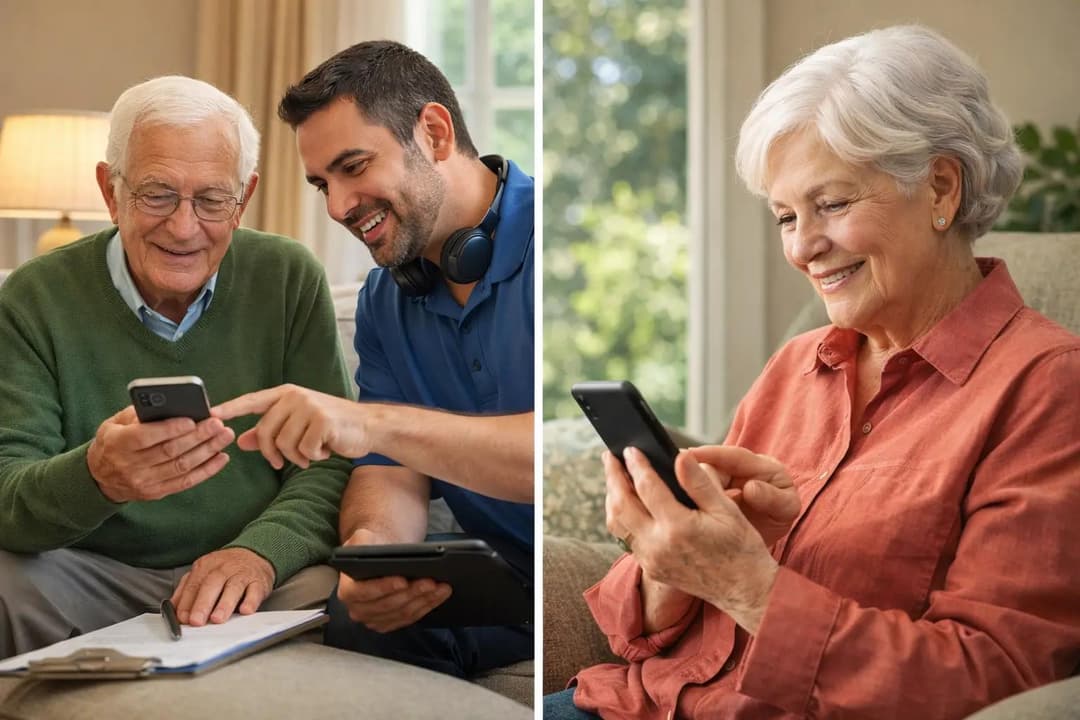
If you’d prefer professional setup and patient one-on-one guidance, our senior-friendly smartphone setup service is available to assist families across South Florida.
📍 Local Senior Tech Support in South Florida
CallTechCare provides in-home and remote smartphone setup for seniors across:
- Miami
- Fort Lauderdale
- Pembroke Pines
- Broward County
We enlarge text, simplify layouts, set up emergency features, improve security, and create easy reference guides.
❓ Frequently Asked Questions
Are smartphones safe for seniors?
Yes — when properly configured with strong security settings and simplified layouts.
Do seniors need WiFi for smartphones?
Yes. A stable connection improves video calls, app updates, and emergency services. If home connectivity is unreliable, professional WiFi & internet support can improve signal strength and network stability.
How long does smartphone setup take?
Most senior-friendly configurations take 60–90 minutes when done properly.
Do you provide in-home help?
Yes. We offer both in-home and remote senior tech assistance throughout South Florida.