How to Set Up Your New Phone or Tablet Like a Pro
Learn how to set up your new phone or tablet correctly, transfer data safely, improve security, and optimize performance with professional help.
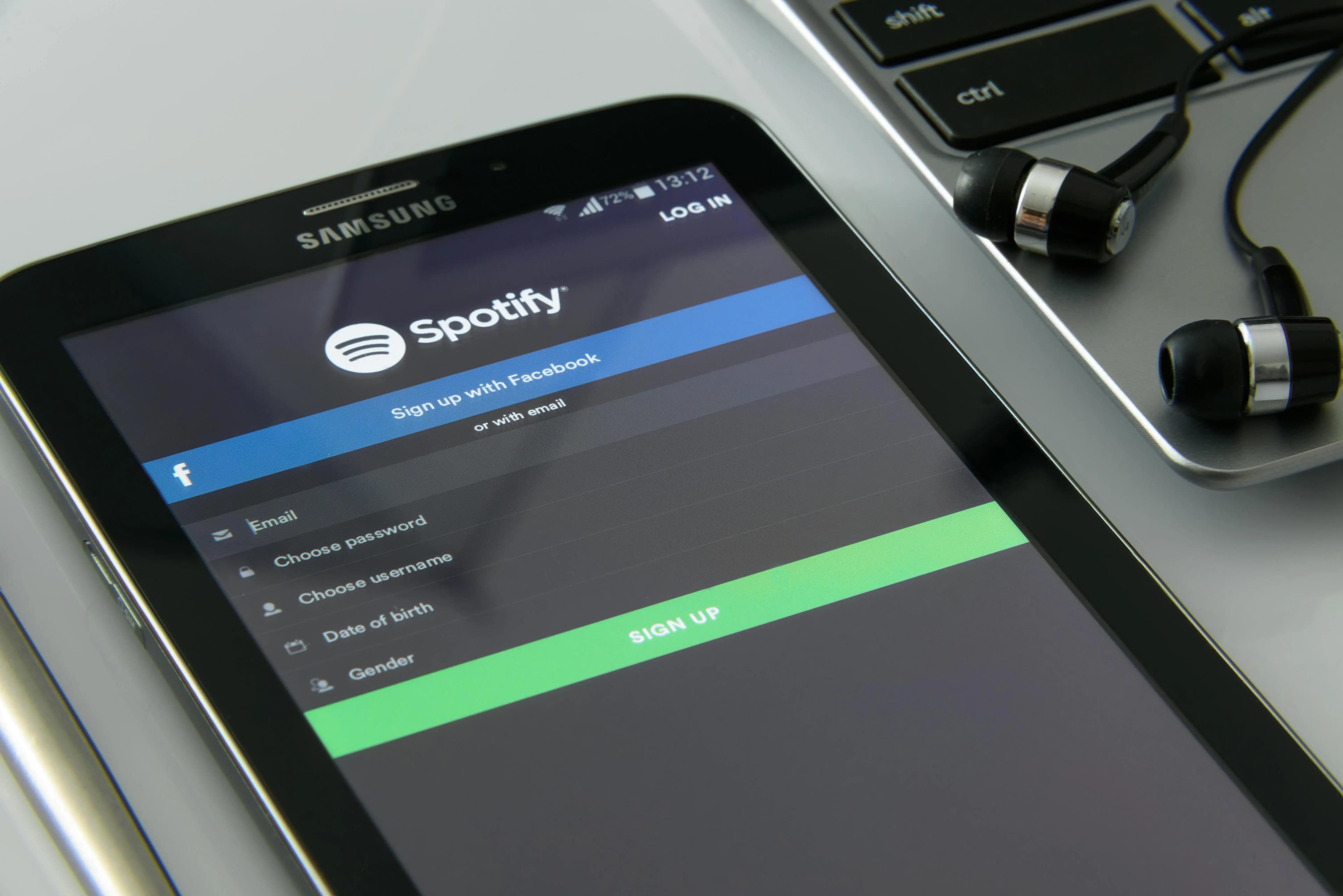
How to Set Up Your New Phone or Tablet Like a Pro
Getting a new phone or tablet is exciting, but the way you set it up determines how well it performs long term. A proper setup improves speed, strengthens security, and creates a smoother day-to-day experience from the very beginning—especially when supported by professional phone and tablet setup services.
Many people rush through the setup process just to start using their device, only to encounter problems later. Slow performance, missing data, battery drain, and security concerns often come from skipping important configuration steps.
One of the first things that matters is keeping the device fully updated. Installing the latest system updates ensures you have current security patches, better app compatibility, and fewer software bugs. Devices that aren’t updated early tend to develop issues faster over time.
Security should also be a top priority. Strong passcodes, biometric locks, and built-in tracking features help protect your personal information if the device is ever lost or stolen. Taking a few minutes to configure these settings early can prevent major problems later.
Transferring data correctly is another key step. Photos, contacts, messages, and apps should be moved using official tools from the device manufacturer or secure cloud backups. Improper transfers are a common reason users seek professional device setup and data transfer support.
Performance and battery life depend heavily on how settings are configured. Managing background activity, notifications, and battery optimization helps your device stay fast and last longer throughout the day. Small adjustments here can make a noticeable difference.
Connectivity plays an important role as well. Properly setting up Wi-Fi, email accounts, and backup services prevents syncing issues and ensures your data is protected automatically. A well-configured device works smoothly across apps and services without constant troubleshooting.
Finally, installing only the apps you actually need keeps your device clean and efficient. Fewer unnecessary apps means better performance, stronger security, and a more enjoyable experience overall.
How CallTechCare Helps with Phone and Tablet Setup
This is where CallTechCare’s phone and tablet setup services make the process simple and stress-free. We help users configure their devices the right way, with clear explanations and hands-on support.
Our services include:
- Secure device configuration
- Safe data transfer from old devices
- Performance and battery optimization
- App organization and cleanup
- Easy-to-understand guidance on settings and features
Whether you’re setting up a brand-new device or switching from an old one, we make sure everything works smoothly and securely.
At CallTechCare, we provide professional phone and tablet setup services for homes and seniors across Miami and South Florida.
Frequently Asked Questions
Why is professional phone or tablet setup important?
Professional setup ensures your device is secure, updated, and optimized from the start, preventing common issues like data loss, poor performance, and security risks.
Can data be transferred safely from an old phone or tablet?
Yes. Using official transfer tools and secure backups allows photos, contacts, messages, and apps to be moved safely without risking data loss or privacy issues.
How long does phone or tablet setup take?
Most phone and tablet setups can be completed in under an hour, depending on data transfer size and configuration needs.

Setting Up Parental Controls: Keeping Your Kids’ Devices Safe in 2026
Learn how to set up parental controls, manage screen time, and protect your…
Phone and Tablet Support: Everyday Fixes That Save Time and Stress
Phone and tablet issues can slow you down. Learn how everyday support and…

Network Infrastructure Upgrade: When and Why
Learn when and why upgrading your network infrastructure is essential and how…
Setting Up Your Home Office Like a Pro
Learn how to set up a professional home office with the right technology,…

Creating a Safer Smart Home
Learn how to secure your smart home by protecting connected devices, networks,…