How to reduce Spam Calls And Texts On Smartphones For Seniors
Learn how to block scam calls and spam texts on seniors’ smartphones. Simple settings and expert help from CallTechCare keep older adults safe.
How to Reduce Scam Calls and Texts on Smartphones for Seniors
Scam calls and text messages have become one of the biggest sources of stress for seniors and their families. Unknown numbers, fake warnings, and urgent messages can feel intimidating — especially when they appear multiple times a day.
The good news? Modern smartphones include powerful tools that dramatically reduce scam calls and spam texts when configured correctly.
With proper setup and guidance, seniors can use their phones confidently and safely.
Why Seniors Are Targeted by Phone Scams
Scammers often target older adults because they assume:
• Seniors may be more trusting
• Technology can feel overwhelming
• Urgent messages create fear and pressure
These scams commonly pretend to be:
• Banks or credit card companies
• Government agencies
• Delivery services
• “Grandchild in trouble” emergencies
Understanding these tactics is the first step toward prevention.
1️⃣ Enable Built-In Spam Call Blocking
Most smartphones can automatically detect and block suspected scam calls.
On many devices you can:
• Turn on Spam Protection
• Enable Call Screening
• Activate “Block suspected spam calls”
When properly set up, many scam calls are blocked before the phone even rings.
If you're unsure how to safely configure these protections, our senior tech help services can set everything up correctly and securely.
2️⃣ Silence Unknown Callers
For seniors who mainly receive calls from saved contacts, silencing unknown numbers can significantly reduce stress.
This feature:
• Sends unknown callers directly to voicemail
• Still allows saved contacts to ring normally
• Lets important messages be reviewed later
A quieter phone creates a calmer daily experience.
3️⃣ Filter Scam Text Messages
Text scams are increasing every year. Fake delivery notices, prize alerts, and “urgent account problems” are common.
Enable:
• Message filtering
• Blocking unknown senders
• Automatic spam detection
This keeps suspicious texts out of sight.
4️⃣ Teach the “Pause Rule”
Many scams rely on urgency.
Teach seniors to:
• Never click unknown links
• Never share codes or passwords
• Never send money or gift cards
• Pause and verify with a trusted family member
That small pause prevents major losses.
5️⃣ Add Trusted Contacts and Favorites
Adding photos and setting up Favorites helps seniors instantly recognize legitimate calls.
Set up:
• Family members
• Doctors
• Caregivers
• Pharmacies
Clear contact organization reduces confusion and builds confidence.
6️⃣ Use Carrier and App-Based Protection
Most major phone carriers offer free spam filtering tools.
Additionally, call-filtering apps can:
• Identify robocalls
• Warn about known scam numbers
• Block repeat offenders
These tools are powerful — but only when configured properly.
7️⃣ Strengthen Phone Security Settings
Scam protection works best alongside strong security settings.
Make sure to:
• Enable Face ID or fingerprint login
• Turn on auto-lock
• Update the phone regularly
• Disable suspicious app permissions
If a device is not properly secured, even basic protections may fail.
8️⃣ Ensure a Stable Internet Connection
Spam protection features, scam databases, and security updates rely on a reliable internet connection. Weak or unstable networks can delay updates and reduce protection accuracy.
If needed, professional WiFi & internet support can improve connection stability and security at home.
Practice Reduces Fear
One of the best protections is confidence.
Practice:
• Ignoring unknown calls
• Hanging up safely
• Deleting suspicious texts
• Asking questions before responding
When seniors know what to do, fear disappears.
How CallTechCare Can Help
At CallTechCare, we specialize in protecting seniors from phone scams by:
• Configuring built-in spam blocking
• Silencing unknown callers safely
• Filtering suspicious text messages
• Strengthening phone security
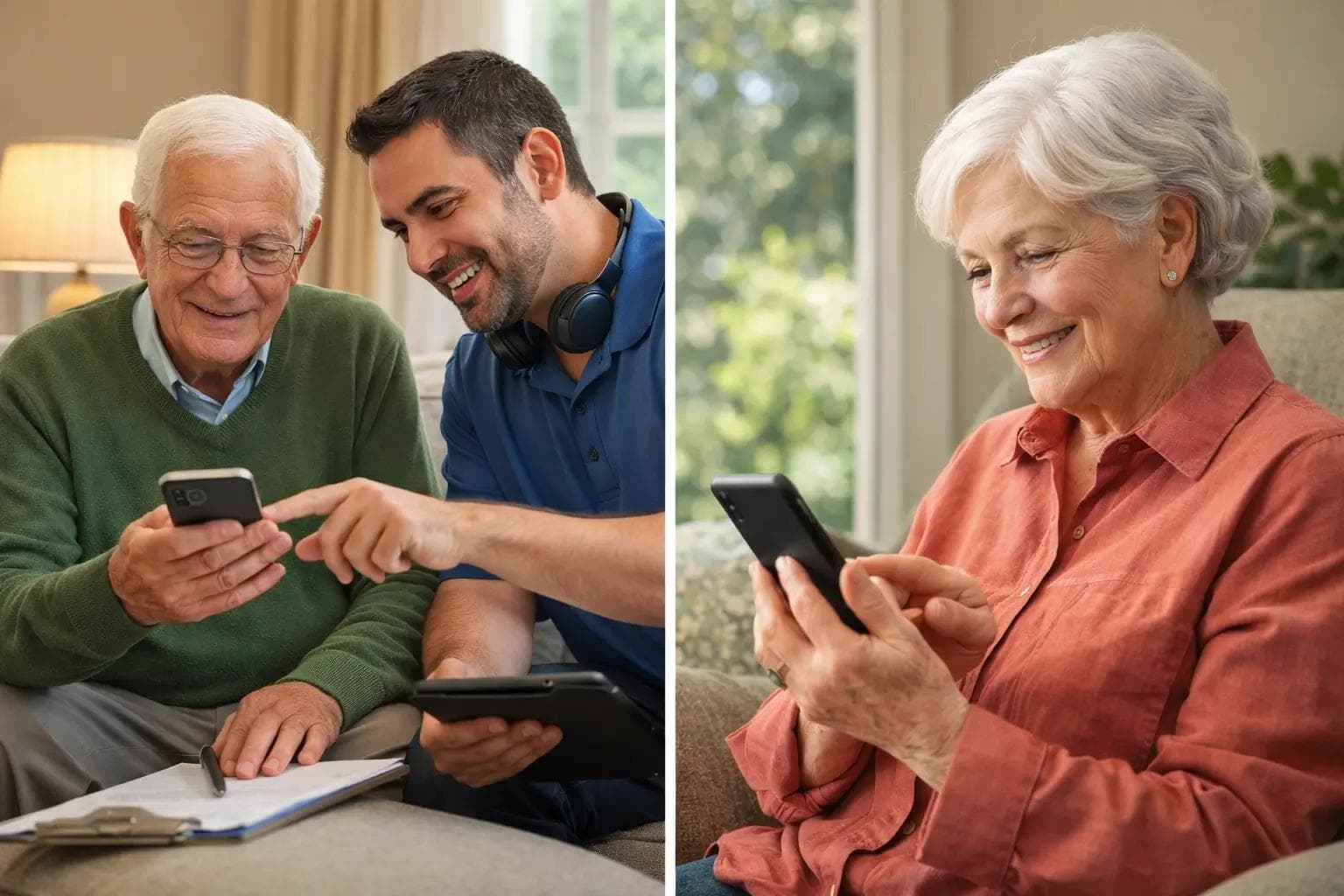
• Providing one-on-one explanations in simple language
• Offering ongoing support if new scams appear
We don’t just change settings — we build confidence.
📍 Serving seniors and families across South Florida.
❓ Frequently Asked Questions
Are scam calls really increasing?
Yes. Phone scams targeting seniors continue to rise each year, especially through robocalls and fake text messages.
Can smartphones automatically block scam calls?
Yes. Most modern phones include built-in spam detection tools that significantly reduce unwanted calls when enabled properly.
Should seniors answer unknown numbers?
In most cases, no. Let unknown calls go to voicemail and verify the caller before responding.
Do you provide in-home help?
Yes. We offer both in-home and remote assistance for seniors throughout South Florida.